Camera Monitoring
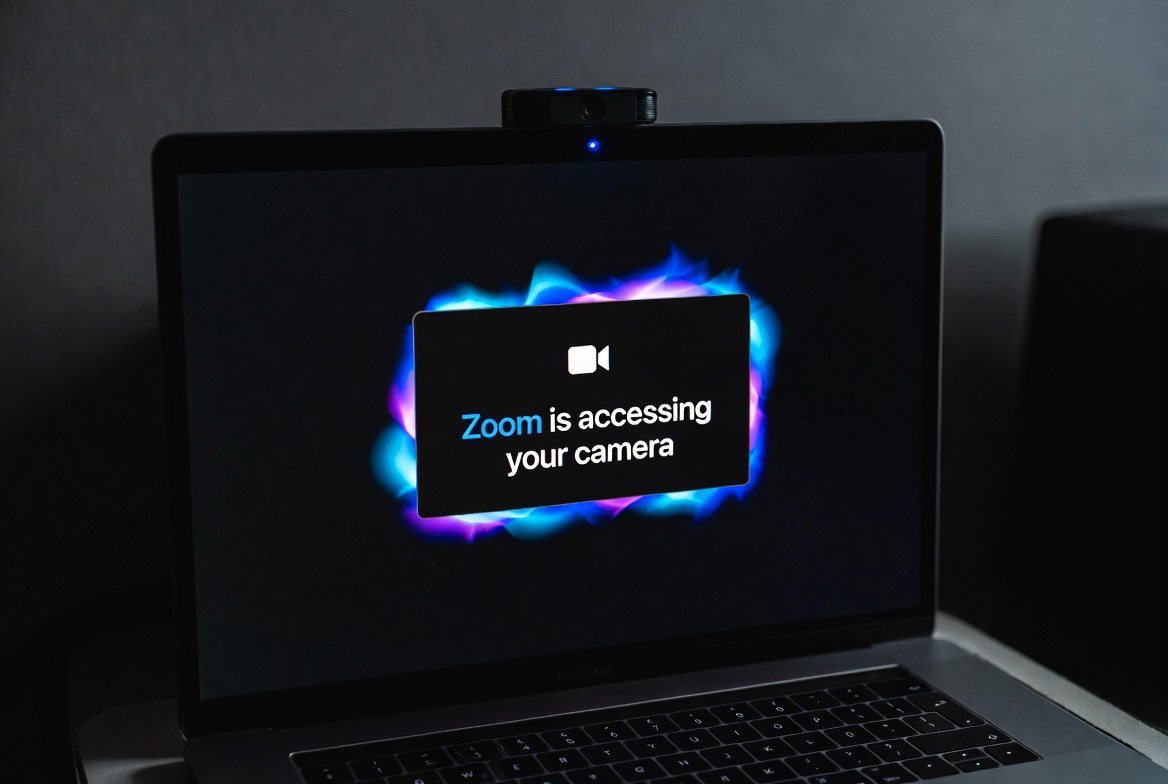
Know exactly which apps access your camera and when. Maclaw detects unauthorized camera usage in real-time and sends instant alerts so you're never caught off guard.
- Detect all apps accessing your camera
- Instant alerts on unauthorized access
- Full access history with timestamps
- Block suspicious apps automatically
Microphone Protection
Your microphone is one of the most sensitive inputs on your Mac. Maclaw tracks every app that accesses it, giving you real-time visibility and control.
- Real-time mic access tracking
- Background app detection
- Alert when mic is active during calls
- Detailed per-app usage reports

Location Privacy
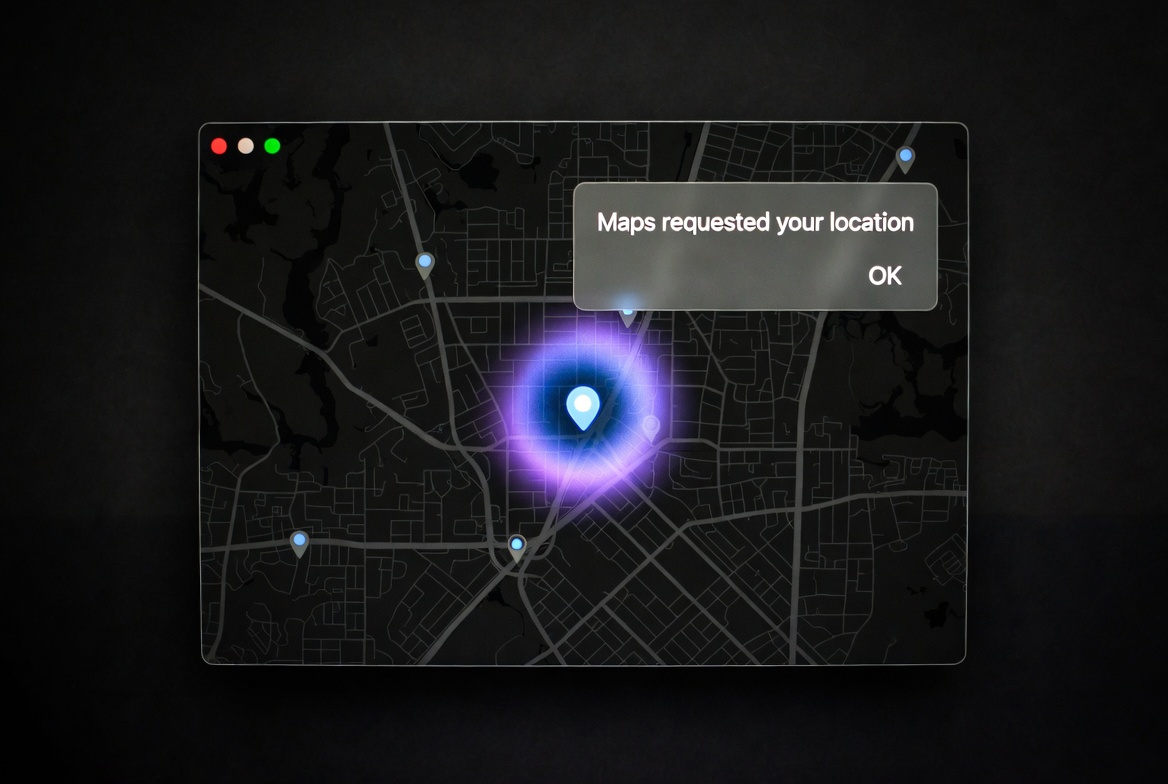
Many apps silently track your location. Maclaw monitors GPS and location services access so you always know when and why your location is being used.
- Monitor all location service access
- Detect silent GPS tracking
- Per-app location usage reports
- Alert on unexpected location requests
Network Monitoring
Track active network connections, detect open ports, and identify suspicious traffic. Know exactly what data is leaving your Mac and where it's going.
- Track active network connections
- Detect and alert on open ports
- Identify suspicious outbound traffic
- WiFi network security scanning

Multi-Channel Alerts
Get notified wherever you are. Maclaw sends security alerts through multiple channels so you never miss a critical event, even when away from your Mac.
- Telegram instant notifications
- Email alerts for critical events
- Web dashboard live feed
- Configurable alert thresholds

Advanced Dashboard
A beautiful web dashboard that gives you a complete overview of your Mac's security posture. Charts, history, reports, and an AI-powered chat assistant.
- Real-time security charts and graphs
- Complete alert history and search
- PDF security reports for clients
- AI chat assistant for quick commands
