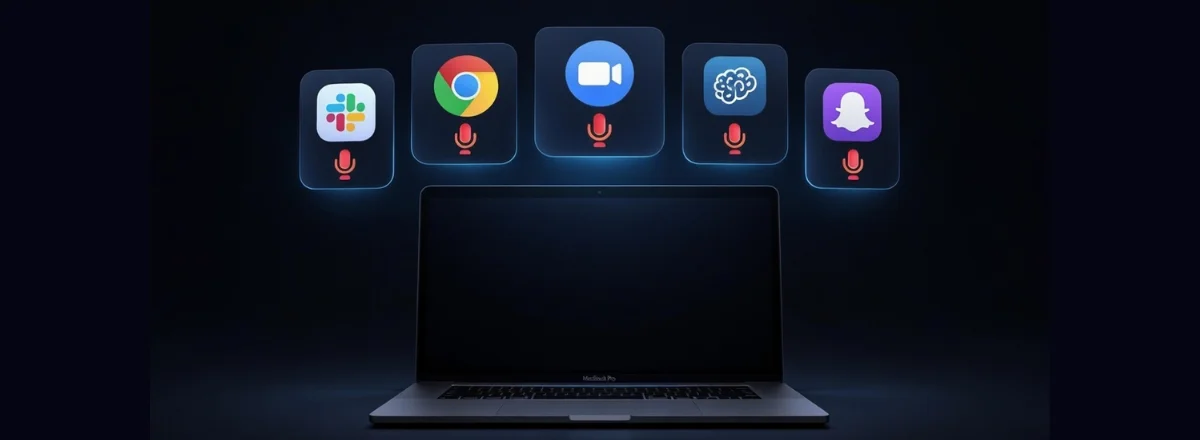
A few weeks ago, I ran a simple experiment: I let Maclaw run for 72 hours logging every microphone access on my Mac. I had closed all tabs, finished my meetings, and wasn't using any voice assistant.
Result: 23 microphone access events recorded over 3 days. Some lasted a few milliseconds, others several minutes. All happened without me doing anything in particular.
Here's what I found, app by app.
The 5 app categories to watch
Slack regularly accesses the microphone even when you're not in any Huddle. The official reason: audio availability detection for Huddles and managing the mute button. In practice, Slack opens a brief audio session to verify your mic works, even when the app is simply running in the background.
Browsers pass microphone access to websites that request it. If you've granted access to Google Meet, Notion Voice, or a transcription site, the browser may reopen access when loading those pages — sometimes even before you click anything. Chrome is the most aggressive about this.
Zoom has had several documented instances of post-call audio access. Like with the camera, the microphone can remain active for a few minutes after a meeting ends, often linked to "clean-up" or audio calibration processes. Teams and Webex have similar behavior.
With the massive integration of AI features in productivity apps, a new category is emerging: apps that listen in "hotword detection" mode — keeping minimal mic access to detect a keyword (like "Notion, note this"). Even if processing is local, the mic is technically active.
Often the most surprising one. In my list, it was a voice translation utility I installed in 2023 for a project, never really used, and completely forgotten. It had microphone permission granted at installation — and was still using it, sporadically, for reasons I never understood.
How to see in real time which apps are using the mic
macOS shows a small orange icon in the menu bar when an app uses the mic. But this icon disappears quickly for short accesses — easy to miss if you're not looking at exactly the right moment.
For a complete log of recent accesses via Terminal:
This queries the macOS permission system (TCC — Transparency, Consent, and Control) and lists all microphone accesses in the last 24 hours.
Note: This command requires Full Disk Access in System Settings → Privacy. Terminal must be listed in that section.
5-minute quick audit
If you want to do a quick audit of your Mac right now, here's the procedure:
- Open System Settings → Privacy & Security → Microphone
- Note all apps with access enabled
- For each app: do you use it for calls or dictation? If not, disable it.
- Open Activity Monitor and sort by "Network Received" — identify active processes you don't recognize
- Install Maclaw to receive a Telegram alert for every future unexpected mic access
Good news: On Macs with Apple Silicon (M1 and later), macOS 14+ shows a persistent notification in the menu bar while any app uses the mic or camera. This is a significant improvement over previous versions.
The real question: are they listening to me?
The honest answer: probably not to spy on you, but your mic is less private than you think.
Legitimate apps access the mic for technical reasons, not to record your conversations. But these accesses are real, frequent, and rarely clearly documented. The difference between "Slack listens to detect if you want a Huddle" and "Slack is listening to me" matters — but the technical boundary between the two is blurry.
What's certain: without monitoring, you can't know. And not knowing means trusting by default companies whose business model is built on data.
Know Exactly When Your Mic Is Active
Maclaw logs every camera and microphone access with timestamp, process name, and duration. Instant Telegram alert the moment any app accesses your sensors.
Try Maclaw for Free